Image Color Extractor
Effortlessly extract dominant colors from images and create stunning color palettes for your projects
Upload an Image
What is the Image Color Extractor?
The Image Color Extractor is a sophisticated analysis tool designed to decode the visual DNA of your images. It identifies the major color tones and organizes them into a comprehensive palette, transforming any photograph or graphic into a structured set of design data.
Invaluable for designers, artists, and developers, this tool removes the guesswork from color selection. Whether you're building a brand identity or trying to capture the specific mood of a landscape photo, our extractor provides the precise HEX, RGB, and HSL values required to replicate those colors in your professional projects.
How to Use the Image Color Extractor?
- 1Upload Image:
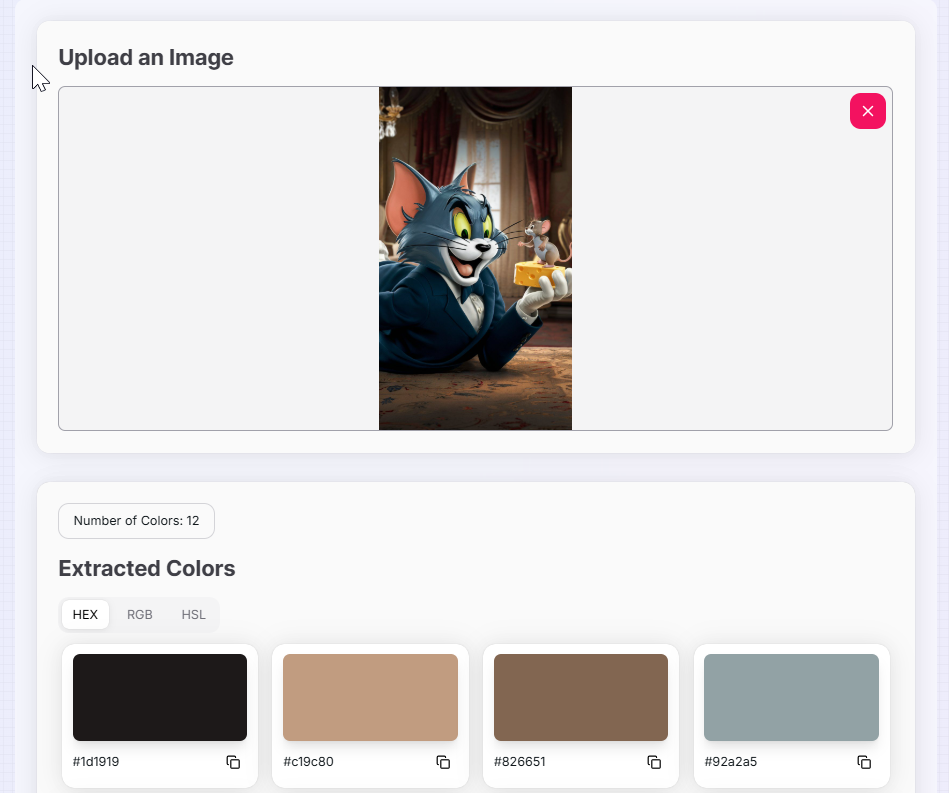
Drag and drop your image into the designated area or click to browse. The tool will instantly begin analyzing the dominant color tones.
- 2Configure Palette Size:
Use the dropdown menu to choose exactly how many dominant colors you wish to extract (up to 21) for a broader or more focused palette.
- 3Analyze Formats:
Switch between HEX, RGB, and HSL tabs to see the specific technical values for each color swatch identified by the extractor.
- 4Copy and Export:
Click the copy icon next to any color swatch to save the value to your clipboard. Use the reset button () to start a fresh analysis.
Key Features for Creators
Pro Tips for Palette Design
Mood Boarding
Extract a high number of colors (15+) to find accent shades that you might have missed by just looking at the image.
Minimalist Palettes
Reduce the extraction count to 3-5 colors to quickly find a core cohesive theme for website hero sections or UI buttons.
Contrast Check
Use the extracted HEX codes in a contrast checker to ensure your background and text choices meet accessibility standards.
Real-World Applications
Web Design
Extracting color palettes from client-provided imagery to create a matching website theme and CSS variables.
Art Inspiration
Analyzing classic paintings or nature photography to understand the color theory used in the composition.
Brand Alignment
Verifying that promotional graphics use the correct shades and primary colors dictated by brand guidelines.
Ready to unlock the hidden palette within your visuals? Start using our Image Color Extractor today to streamline your design process. Whether you’re a professional designer or a creative enthusiast, our tool provides the technical insight needed to make your creative vision a reality.
Related Tools
Image Color Extractor Tool
Effortlessly extract dominant colors from images and create stunning color palettes for your projects.
Image Color Picker
Extract HEX, RGB, and HSL color codes from any image instantly. Upload and pick precise pixel colors online for web design and UI development.
AI Color Palette Generator
Create the perfect color scheme with AI assistance.
Color Gradient Generator
Create stunning CSS gradients with advanced features and a modern interface.
Color Mixer
Mix colors, generate shades, and explore different color formats with advanced features.
Color Name Generator
Explore color theory and generate harmonious palettes with our advanced color wheel tool.