Barcode Generator
Create Customized Barcodes for various purposes
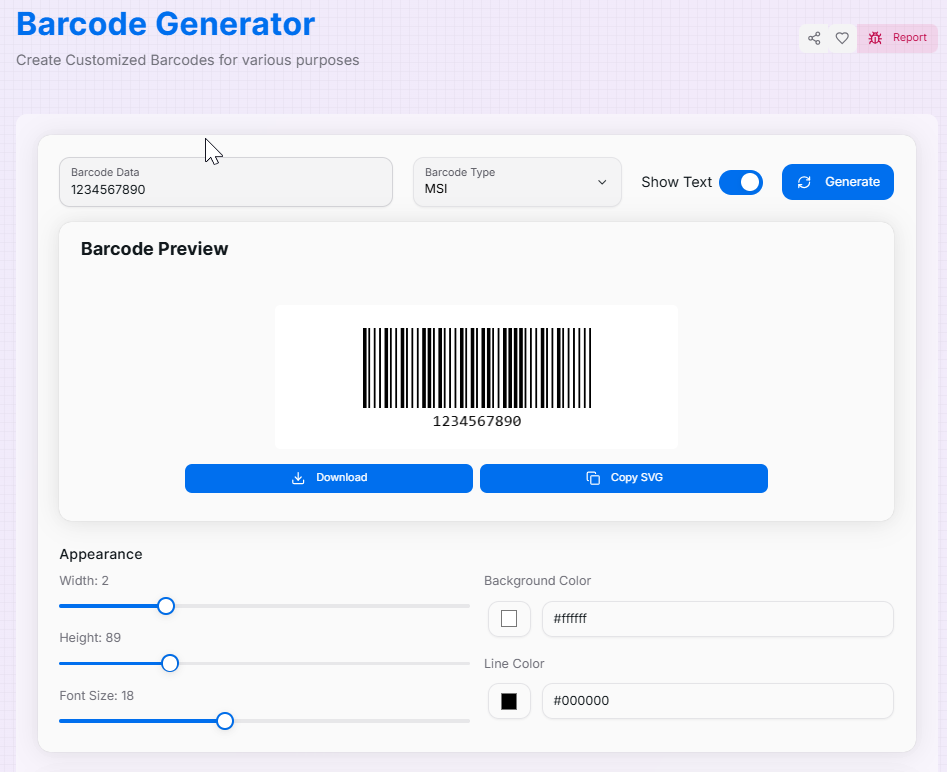
Barcode Preview
Appearance
Width: 2
Height: 100
Font Size: 20
Background Color
Line Color
About the Barcode Generator
The Barcode Generator is a precision-engineered utility designed for retail, logistics, and inventory management. It allows you to transform alphanumeric data into standardized machine-readable symbols, ensuring seamless integration with scanning hardware and software worldwide.
Moving beyond generic creators, this tool supports industry-standard formats including CODE128, EAN13, UPC, and CODE39. Whether you are labeling warehouse assets, creating product tags for a storefront, or managing event ticketing, our generator provides the granular control over dimensions, colors, and text visibility needed for reliable scannability.
How to Use the Barcode Generator?
- 1Enter Your Data:
Input the numeric or alphanumeric string you wish to encode into the "Barcode Data" field.
- 2Select Format & Style:
Choose a barcode type (e.g., CODE128) and use the sliders to adjust the Width, Height, and Font Size to fit your label requirements.
- 3Customize Appearance:
Use the color pickers to define the background and line colors. Toggle the "Show Text" switch to display the human-readable value below the bars.
- 4Export Asset:
Click Download to save a PNG image, or Copy SVG to get a high-quality vector for your digital design software.
Key Features for Professionals
Pro Tips for Scannability
High Contrast
Always keep a high contrast between lines and background. Dark lines on a white background are the gold standard for laser scanners.
Use SVG for Print
When printing labels, use the Copy SVG option. Vector graphics won't blur or pixelate, ensuring the bars remain sharp.
Quiet Zones
Leave some empty white space around your barcode. These "quiet zones" help scanners identify where the barcode begins and ends.
Real-World Applications
Inventory Tracking
Generating unique CODE128 labels for warehouse assets to streamline stock movement and management.
Retail Labeling
Creating EAN13 or UPC barcodes for consumer products to be used in point-of-sale (POS) systems.
Event Ticketing
Producing scan-ready barcodes for digital or printed event tickets to ensure fast and secure entry processing.
The Barcode Generator is more than just a tool—it is an essential asset for modern logistics and retail. By combining ease of use with professional standards, you can create scannable assets that work perfectly every time. Start generating your professional barcodes today!
Related Tools
Advance Password Generator
Generate secure and customizable passwords quickly and effortlessly.
QR Code Generator
Create customized QR codes with advanced styling options.
List Randomizer
Powerful tool designed to shuffle and manipulate lists of items.
Screen Resolution Checker
Analyze your screen properties and display capabilities.
Unit Converter
Quickly and accurately convert between various units of measurement.
Color Name Generator
Explore color theory and generate harmonious palettes with our advanced color wheel tool.