Base64 to Image Converter
Effortlessly convert Base64 encoded strings back to images for easy viewing and downloading
What is the Base64 to Image Converter?
The Base64 to Image converter is a powerful and user-friendly tool designed to decode Base64 encoded strings back into viewable image files. This conversion process is essential for developers, designers, and anyone working with encoded image data who needs to quickly visualize or extract the original image.
Base64 encoding is a method of representing binary data using a set of 64 characters, commonly used to embed image data within text-based formats such as HTML, CSS, or JSON. Our tool reverses this process, allowing you to easily preview, download, or revert to your original image format for further processing.
How to Use the Converter?
- 1Input Data:
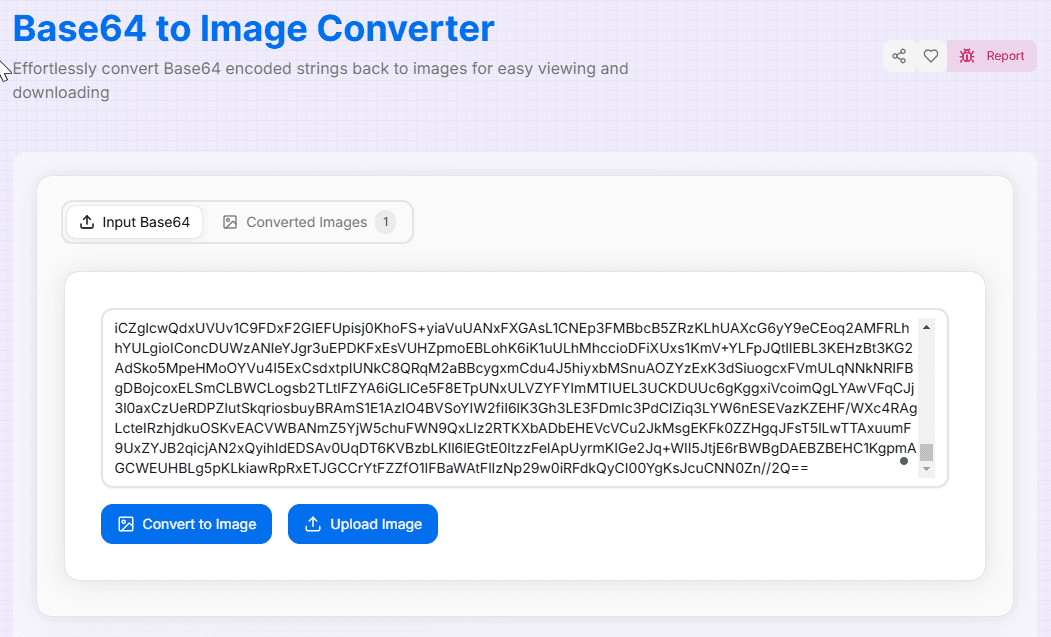
Navigate to the "Input Base64" tab and paste your Base64 encoded string into the text area provided.
- 2Convert:
Click the "Convert to Image" button. The tool will automatically process your string and generate the image.
- 3View Results:
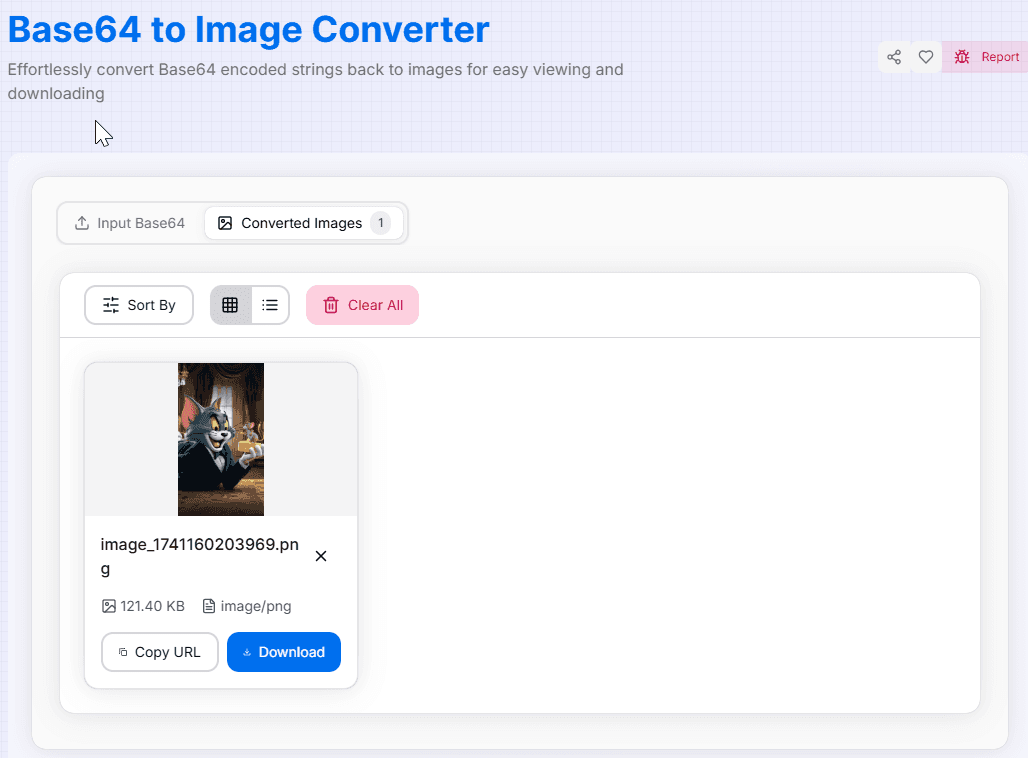
Switch to the "Converted Images" tab to see previews, check file details, and manage your list.
- 4Export:
Copy the image URL to your clipboard or download the actual image file to your device.
Key Features
Tips for Optimal Use
Clean Input
Ensure your Base64 string is complete and doesn't contain extra whitespace or invalid characters.
Prefix Handling
Our tool handles strings with or without the "data:image/png;base64," prefix automatically.
File Size
Remember that Base64 encoding increases data size by ~33%, so the resulting image will be smaller than the string.
Performance
For extremely large Base64 strings, consider splitting them into smaller chunks if browser performance slows.
Verification
Always inspect the preview to ensure the image decoded as expected before downloading.
Organization
If you are working with multiple images, use the sorting feature to keep your workspace organized.
Why Use This Tool?
- Privacy First: Your sensitive image data never leaves your device, making it safe for confidential projects.
- Fully Responsive: Decode images on the go using your smartphone, tablet, or desktop computer.
- Smart Sorting: Organize converted results by name, size, or type to find what you need quickly.
- Instant Feedback: See results immediately without waiting for server uploads or downloads.
Ready to decode your Base64 strings and bring your images to life? Our Base64 to Image Converter offers a perfect balance of simplicity and powerful features. Whether you're a developer debugging encoded images, a designer working with data URIs, or anyone needing to quickly visualize Base64 encoded images, this tool provides the flexibility and ease of use you need.
More Image Tools
Image to Base64 Converter
Effortlessly convert your images to Base64 encoded strings for easy embedding in HTML, CSS, or JavaScript.
Image Average Color Finder
Analyze images to find their average and dominant colors effortlessly. Perfect for designers, artists, and anyone looking to create cohesive color palettes for their projects.
Image Color Extractor Tool
Effortlessly extract dominant colors from images and create stunning color palettes for your projects.
Image Resizer
Resize images to specific dimensions effortlessly. Choose from PNG, JPEG, or WebP formats and preserve quality for web use and social media.
PNG to SVG Converter
Convert PNG images to SVG format.
PNG to WebP Converter
Convert your PNG, JPG, and JPEG images to WebP format for faster websites and smaller file sizes.