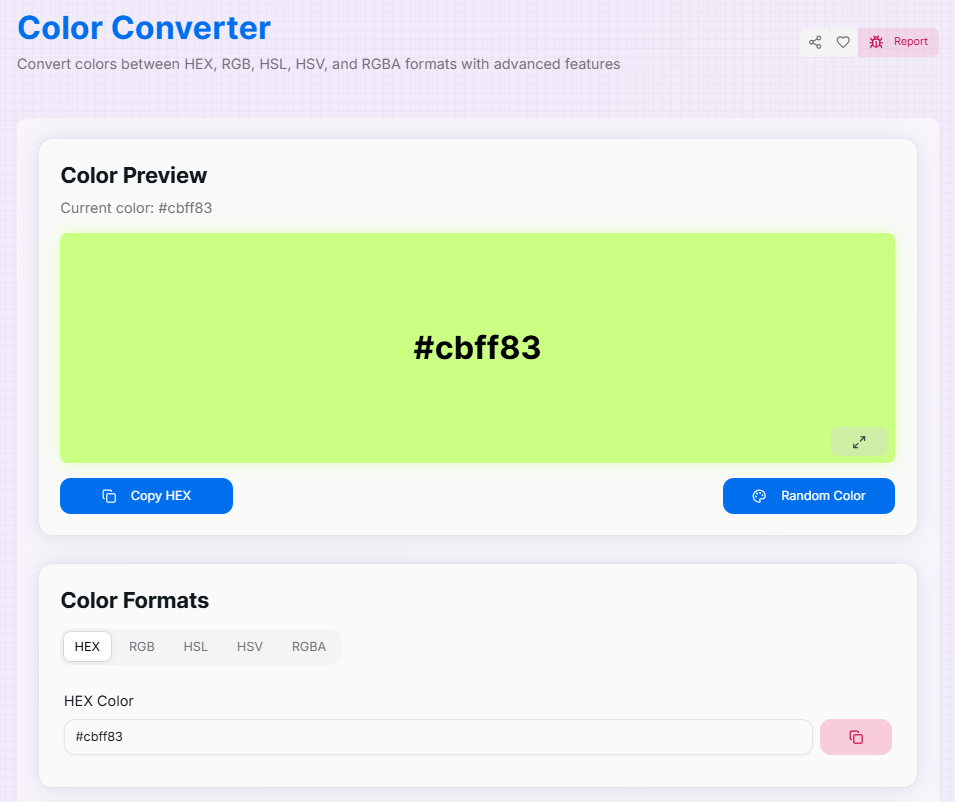
Color Converter
Convert colors between HEX, RGB, HSL, HSV, and RGBA formats with advanced features
Color Preview
Current color: #3498db
#3498db
Color Formats
What is the Color Converter?
The Color Converter is a comprehensive command center for digital color management. It is a powerful, multi-format utility designed for developers, designers, and enthusiasts to bridge the gap between different color languages, including **HEX, RGB, HSL, HSV, and RGBA**, with surgical precision.
By providing a unified interface for real-time translation, this tool ensures absolute color consistency across web development, graphic design, and brand assets. Whether you are fine-tuning transparency via the alpha channel or converting a complex HSL value into a developer-ready Hex string, our converter transforms technical data into usable visual inspiration instantly.
How to Use the Color Converter?
- 1Select Input Format:
Navigate through the tabs to choose your starting format: HEX, RGB, HSL, HSV, or RGBA. This allows you to enter data in whichever format you already have.
- 2Adjust and Refine:
Modify values using the text input fields or the interactive sliders. For transparent colors, use the RGBA tab to adjust the Alpha channel specifically.
- 3Live Preview:
Observe the Real-time Preview as it updates instantly. The tool automatically adjusts text color for readability and applies dynamic shadow effects for visual feedback.
- 4Copy & Compare:
Switch between tabs to see the converted values in all other formats. Click Copy to grab any value or use Fullscreen () for a detailed view.
Key Features for Creatives
Pro Tips for Color Consistency
Accessibility
Always test your converted colors in the Fullscreen Preview to ensure they meet WCAG contrast standards against your planned background.
Glassmorphism
Use the RGBA tab to find the exact transparency level (Alpha) needed to create modern "frosted glass" UI effects.
Model Choice
Use HSL for artistic fine-tuning (brightness/saturation) and convert it to Hex for final CSS implementation.
Real-World Applications
UI Development
Rapidly converting color values from design tools (like Figma) into standard-compliant code for web and mobile apps.
Brand Sync
Ensuring color stability across multiple platforms by maintaining a central database of Hex, RGB, and HSL equivalents.
Cross-Platform
Translating colors between mobile native code (often RGB/RGBA) and web standards (often HEX/HSL) effortlessly.
Stop manually calculating color codes across different models. Whether you are a professional designer working on complex projects or a hobbyist discovering color theory, our Color Converter provides the accuracy and ease you need. Start streamlining your workflow and bring your creative vision to life today!
More Color Tools
Image Color Picker
Extract HEX, RGB, and HSL color codes from any image instantly. Upload and pick precise pixel colors online for web design and UI development.
Color Mixer
Mix colors, generate shades, and explore different color formats with advanced features.
Hex to RGBA Converter
Convert Hex color codes to RGBA format quickly.
HSL to HEX Converter
Convert HSL Color Codes to Hex with Real-time Preview.
HSL to RGB Converter
Convert HSL Color Codes to RGB with Real-time Preview.
HSV to Hex Converter
Convert HSV Color Codes to Hex with Real-time Preview.